P04 · expression type
Vivian
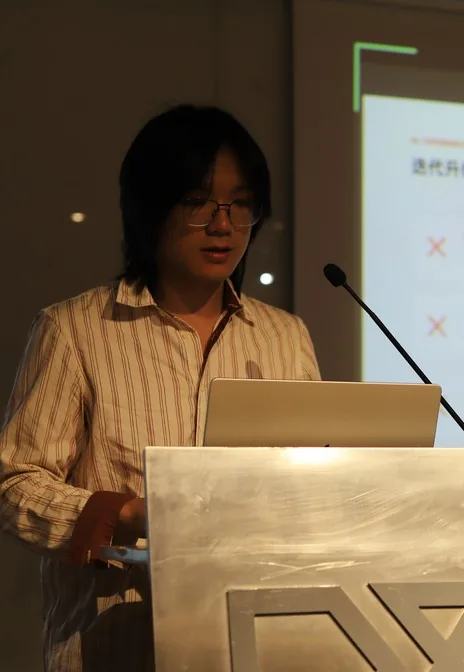
sports creator · names changed
“If you play badly, you really do get flamed.”
Feng Kaiqi Design and research
person — social media
An AI film crew turns an amateur player's clip into a film they'd dare to post.
01Threshold
Orange Lion Sports, Alibaba’s sports company, wanted to use the venue’s existing vision algorithms to make post-match highlights for amateur tennis players automatically.
We had a pipeline that reads a player’s body from video, and a plan to turn any clip into a film for social media in one tap. Before building it, I asked four players what actually happens to their footage.
P01–P04 semi-structured interviews, 3 June → open codes → 3 themes thematic analysis (Braun & Clarke, 2006)
P01–P04 → six stages → 3 breaks critical incidents (Flanagan, 1954)
venue talk → records: speed, in/out, the longest rally
Interviewer: me with each of the four, at the partner venue, 3 June 2026.
P04 · expression type
sports creator · names changed
“If you play badly, you really do get flamed.”
P01 · record type
judges a day by the result · names changed
“Mostly I just watch it myself. I rarely share it, because honestly, we all look terrible.”
P02 · review type
improver, takes lessons · names changed
“I don’t have what it takes yet to make tennis my content niche.”
P03 · growth type
student · names changed
“I didn’t post it. I hadn’t made a video I was happy enough with yet.”
3 of 4
players had footage they chose not to post.
the dare-to-share threshold
posts some, keeps the rest to watch
Break 03 · feedback gap no resonance, or fear of criticism
shown to friends, rarely
posted, then taken down
Break 02 · no narrative language the core design opportunity
kept it
Break 01 · expectation gap recorded, opened, disappointed
Venue stakeholder · no photo
Hawk-Eye measured speed and in/out well. Highlights: the longest rally or the fastest ball.
Theme 1
open code: footage and posts all look alike
You’re only filming on a phone, so your camera angles are limited.
Theme 2
open code: auto-tools take over the story
The auto-highlights get the rallies wrong, so I fix them by hand. Then I’d rather edit the whole thing myself.
Theme 3
open code: identity claims, not skill claims
It isn’t really about skill. I think it’s more about a kind of quality.
I’d want people to see someone who really keeps at it, even though I play badly.
Personally, it isn’t about how good I am. What I do is outfits and photos.

the gap

Three of the four players we interviewed had filmed their play but never posted it. How to get across the gap between saving the footage and wanting to share it is the core of this project.

How well did I play?
for the analyst, the spectator

How impressive do I look?
for the content consumer

Who is this, playing?
for the player themselves
The venue’s system made records, and our own first idea, a one-tap blockbuster, made trophies. The players wanted to be seen as themselves.
AI does the editing and the visual packaging, but the rhythm of the swing and the way the player moves all come from their real motion data. The system only heightens what is already there in their tennis; it changes nothing and replaces nothing.
What a portrait is made of
02Journey
We set out to make a one-tap film for social media. The interviews turned the aim into something you’d dare to post.

01
↑7 anticipation
Heads to court hoping to keep something from today.
after the game
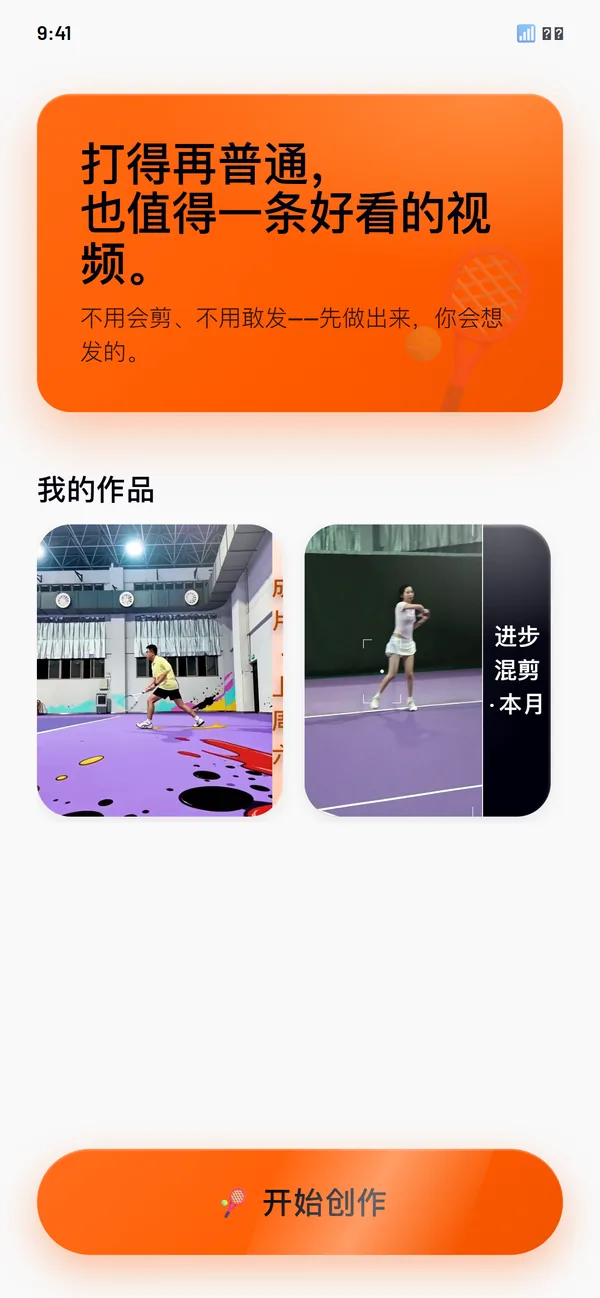
The home screen goes straight to the fear of posting: “However ordinary your play, it deserves a good-looking video. No need to edit, no need to dare to post: make it first.”

02
↑9 excitement
One shot feels special: the high point.
↑8 the moment, found
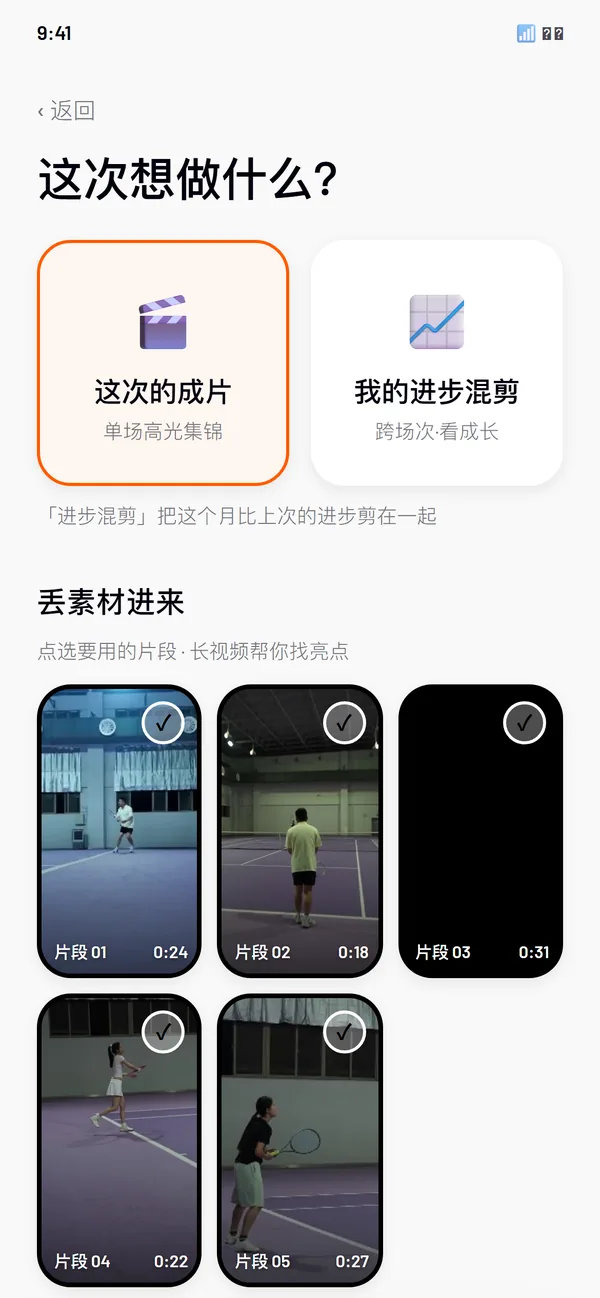
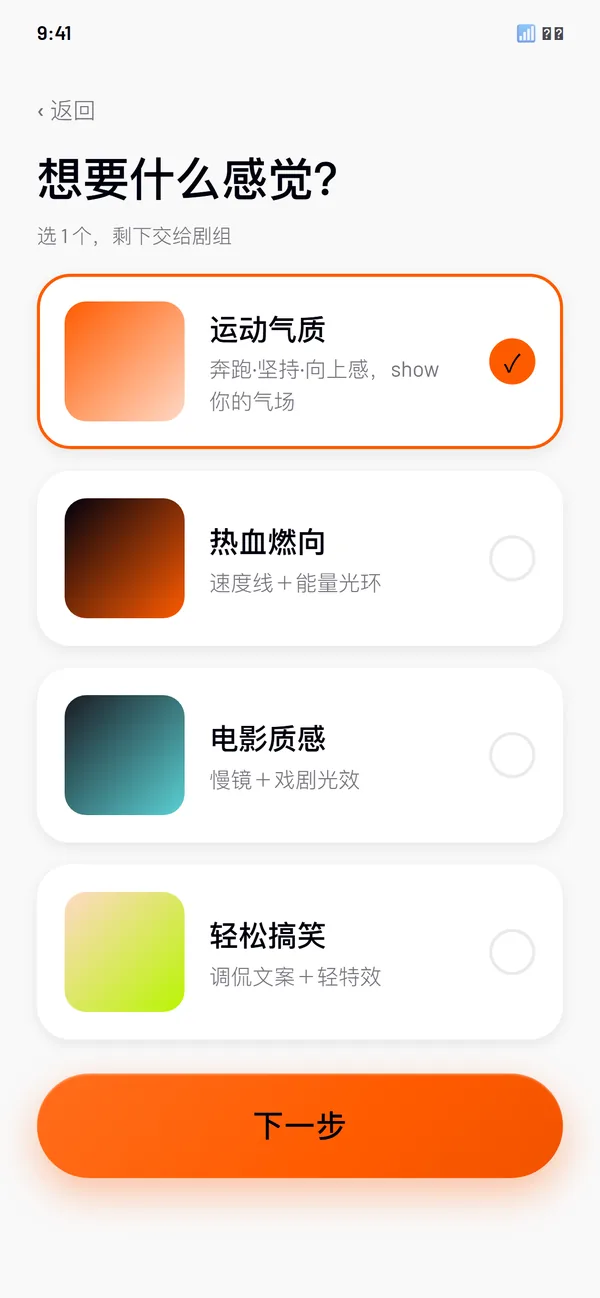
Pick a style (“athletic character” by default), then upload and choose “this film” or “my progress montage”. The style reaches the film only in the stand build.

03
↓4 letdown
Flicks through the auto-highlights. It all feels flat.
Break 01 · expectation gap
↑8 a narrative style, picked
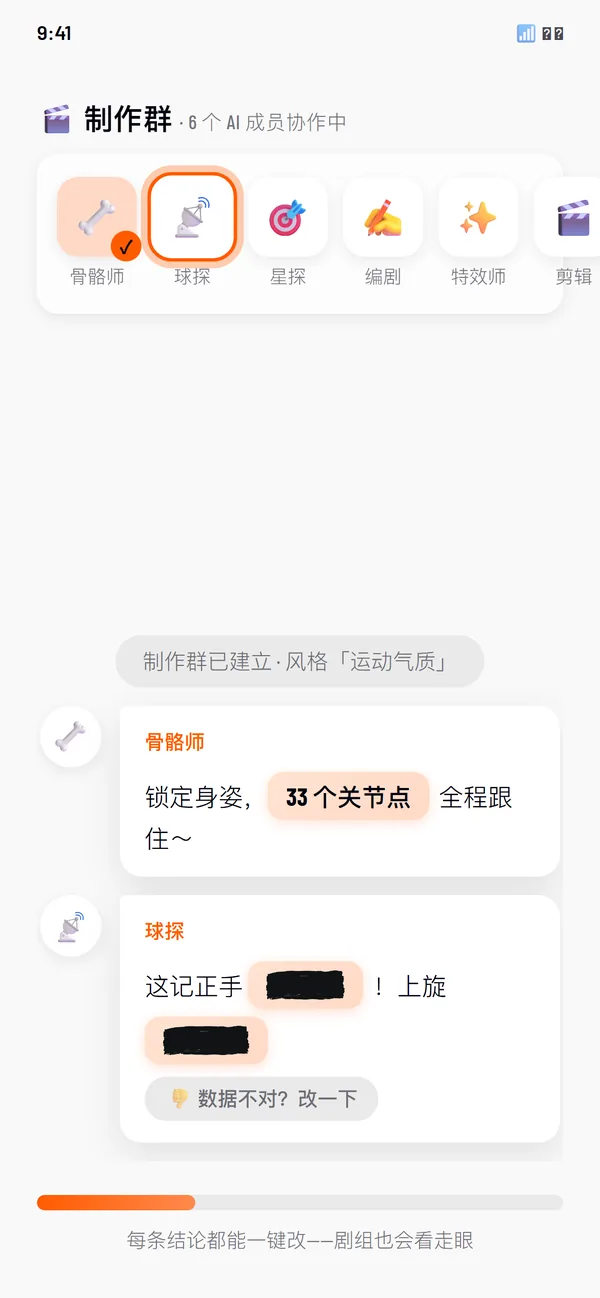
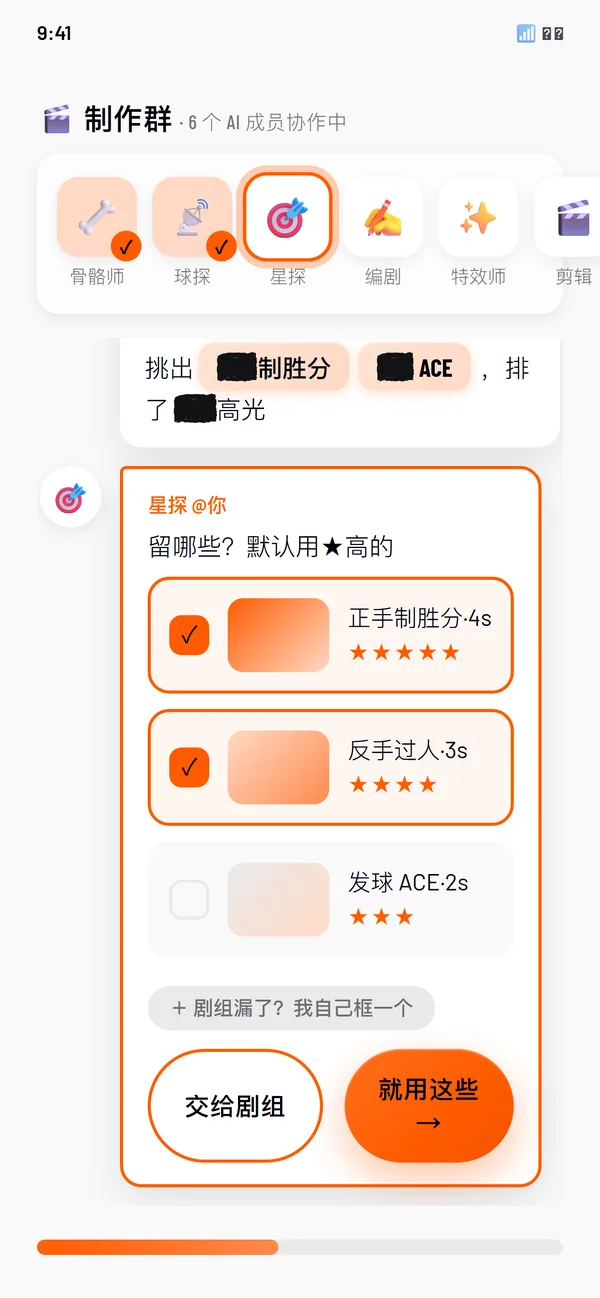
Six crew members review the clip in a group chat, in the pipeline’s order: pose, then ball and events. The Talent Scout asks which moments to keep.
04
↓3 confusion
Tries a template, deletes it, can’t find the feel.
↑9 effects, generated
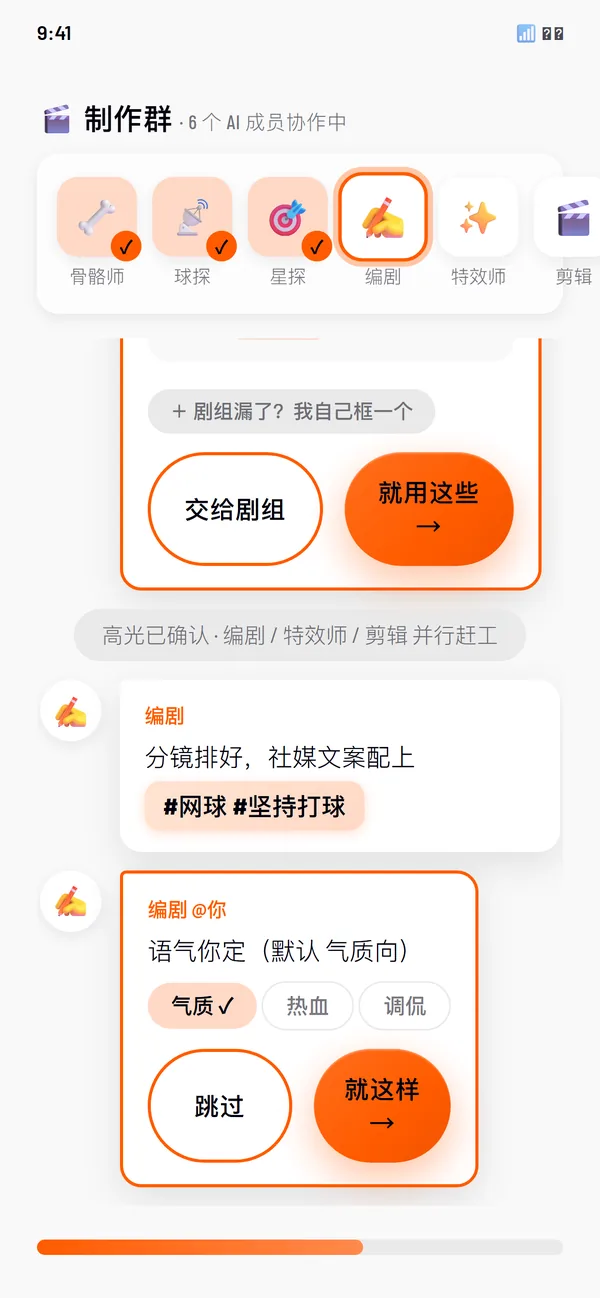
Writer, VFX and Editor then work in parallel. The crew asks once more, about the tone. You can skip either question.

05
↓2 frustration
Posts something half-hearted, or nothing.
Break 02 · no narrative language the core design opportunity
↑9 sent out rated aloud; nobody posted for real
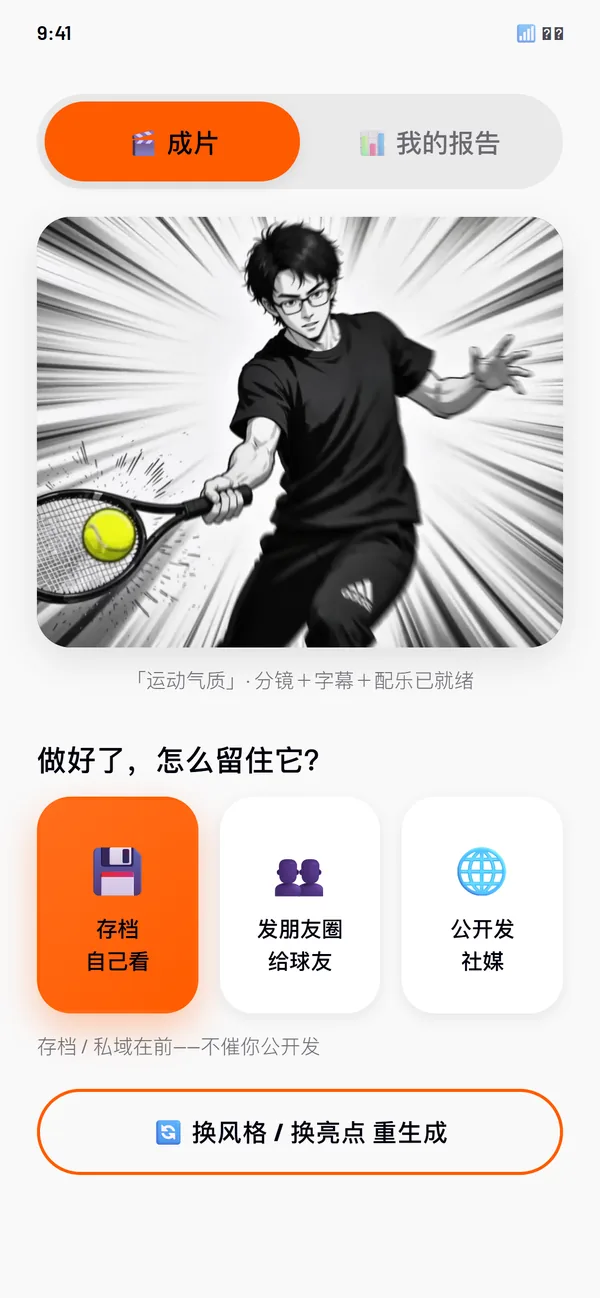
Three exits, archive first. Going public is up to you.

06
↓3 disappointment
Few reactions. Nothing much happens.
Break 03 · feedback gap
↑10 resonance rated aloud; nobody posted for real
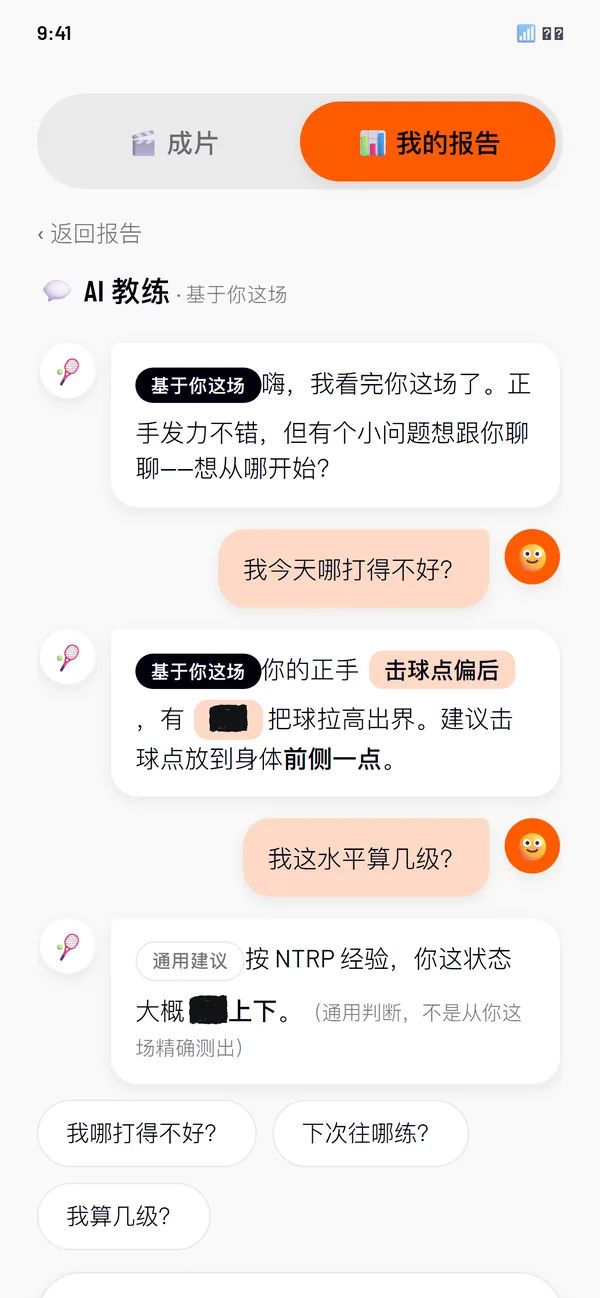
A report in three parts: highlights, what to fix, what to practise next. The coach says which answers come from your match and which are general.
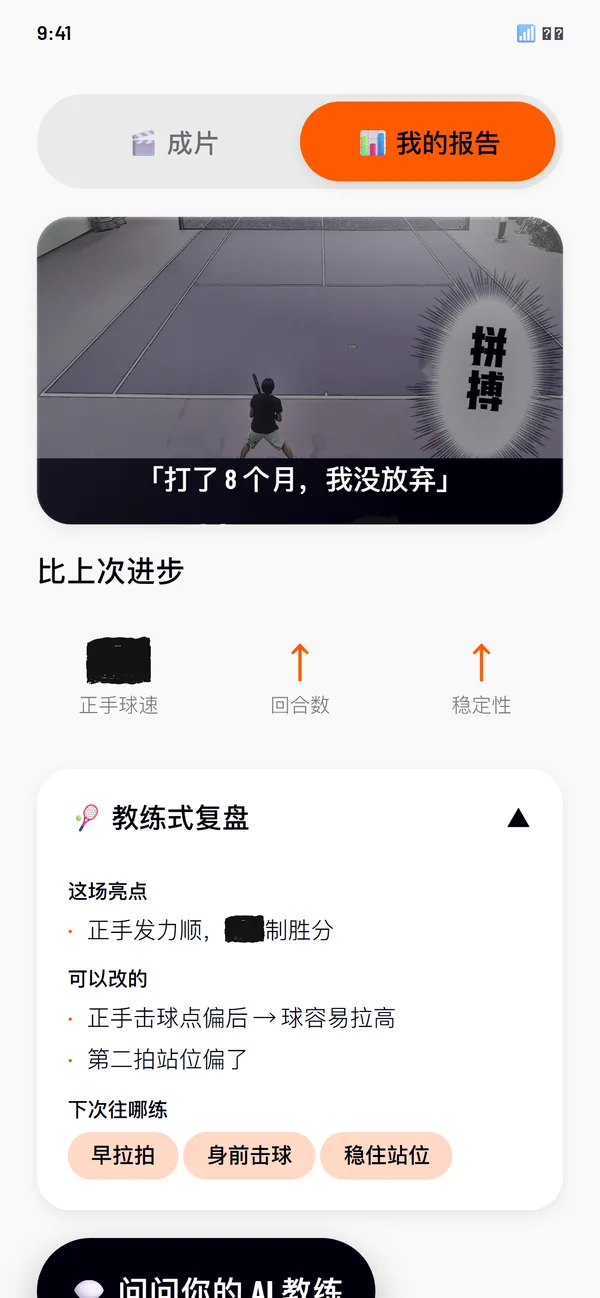
How might we help amateur players who can’t edit and fear being judged dare to post a clip of their tennis that lives up to what they hoped for?
Break 01 · expectation gap
Why Theme 1 · No personal visual language
P01“You’re only filming on a phone, so your camera angles are limited.”
TO-BE ↑8 the moment, found
The Talent Scout marks the highlight rallies itself and says it may have some wrong. You can take the starred clips as they are, or mark the key rallies yourself.
Break 02 · no narrative language
Why Theme 2 · The tool takes away authorship
P02“The auto-edit is out in a minute, but it isn’t accurate. Cutting it myself takes thirty or forty minutes.”
TO-BE ↑8 a narrative style, picked
“Athletic character” is the default style. Twice while the film is made, you are asked to confirm the shots and the copy; if you’d rather not, skip both in one tap.
Break 03 · feedback gap
Why Fear of criticism on social media
P04“If you play badly, you really do get flamed.”
TO-BE ↑9 sent out
Keeping it is the main action; sending it to friends and posting in public are second choices. That fits how amateur players really share.
03System
Vision models can’t be 100% accurate, so we broke the black box into steps where a player can check and correct it. Each crew member stands for one stage of the pipeline, in the order it runs. That is where TennisAtom gets its name: an AI director puts the atoms together into a film.
Reading the body puts out pose, ball and event data, with what each reading rests on, for you to check

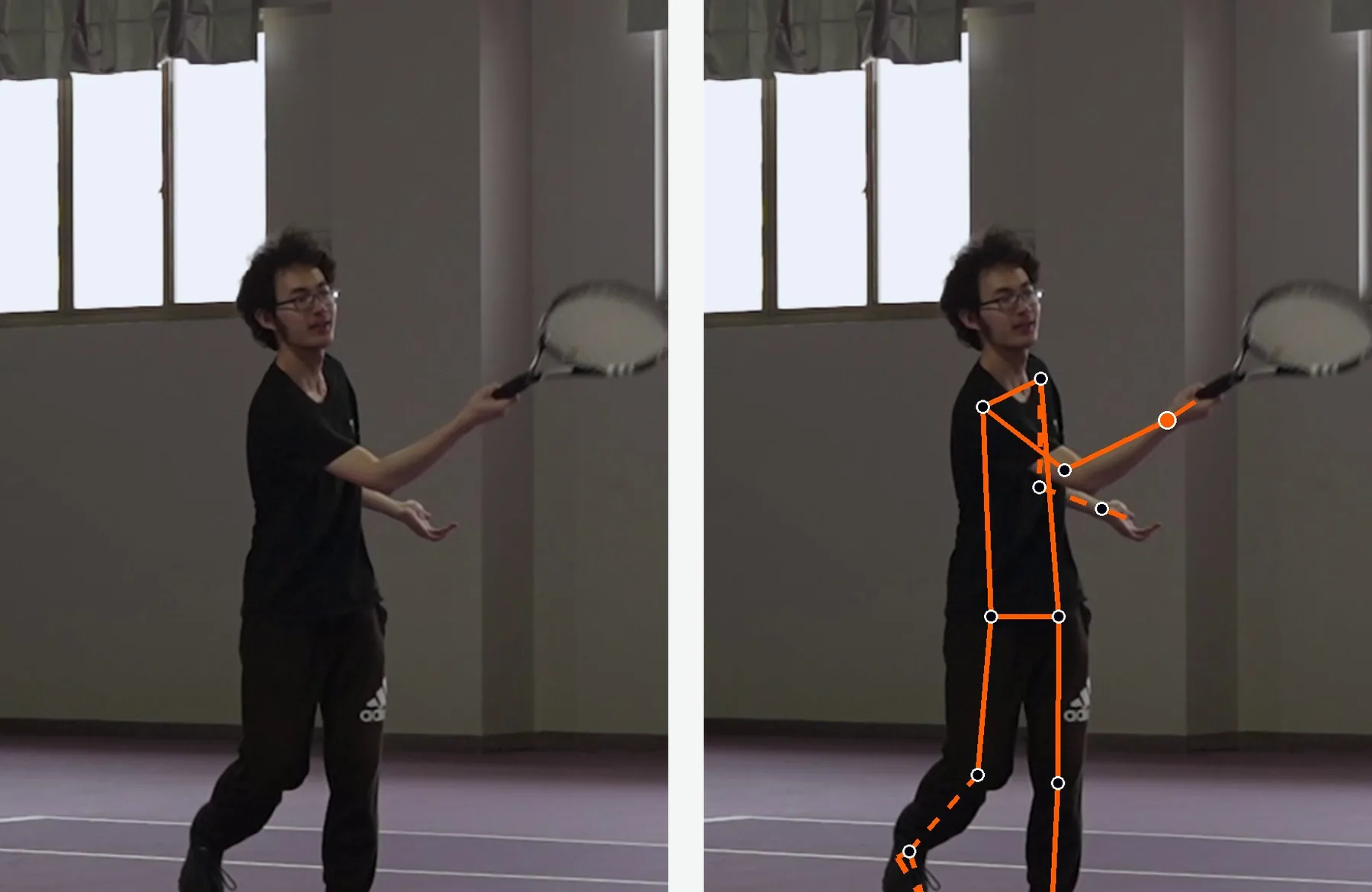
Skeleton tracks 33 points on the body to rebuild the swing and the footwork

Ball Scout follows the ball’s flight and works out its speed and where it lands

Talent Scout finds key events such as serves and winners, and makes a first pick of highlights
Making the film works on the script, effects and render in parallel; you set the overall look

Writer writes the shot script, with captions and hashtags to match, such as #tennis #keepplaying

VFX adds freeze frames, ghost trails and other effects on key frames, in the style you chose

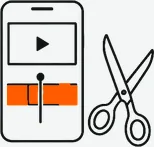
Editor puts picture, effects, captions and sound together, and exports the film and a data report
You three ways to step in
Fix the data a wrong ball speed or rally can be corrected by hand
Steer the choices pick the highlights and the tone of the copy, or take the defaults
Choose where it goes three ways to keep or share it; the archive on your phone comes first
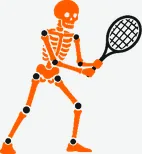
MediaPipe Pose: 33 points a frame, 5-frame smoothing
Skeletonruns

TrackNetV2: detection, trajectory and bounces
speeds not usable: one export tops out at 11,673 km/h; nothing measures spin
Ball Scoutpartly

A 14-type event detector, swing start to shot type
highlight ranking has no scoring yet
Talent Scoutpartly
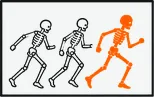
Freeze frame, ghost trail, four more; ADSR timing
VFXruns

OpenCV and Remotion
the video composer and publishing are stubs
Editorpartly
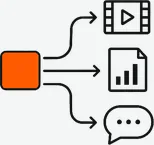
Video: MiniMax, HappyHorse · report: Seede · copy: MiMo
Writerin the repo
One state machine runs every film in the same order: read the video, assemble the prompts (YAML templates filled with the match data), generate in parallel, then composite. The order in which the agents speak in the chat follows the pipeline’s real data dependencies.
External generators sit behind adapters: changing the model underneath means swapping one adapter, not the main pipeline. Python 3.11 · Pydantic · FastAPI · asyncio
The chat is scripted in the pipeline’s order. Its demo numbers are covered on every screen here.
How a swing sets the timing, from the pipeline’s effect director.
04Outcome

Turn 1 · internal review a black box gave no sign of what it was doing, so it was hard to trust
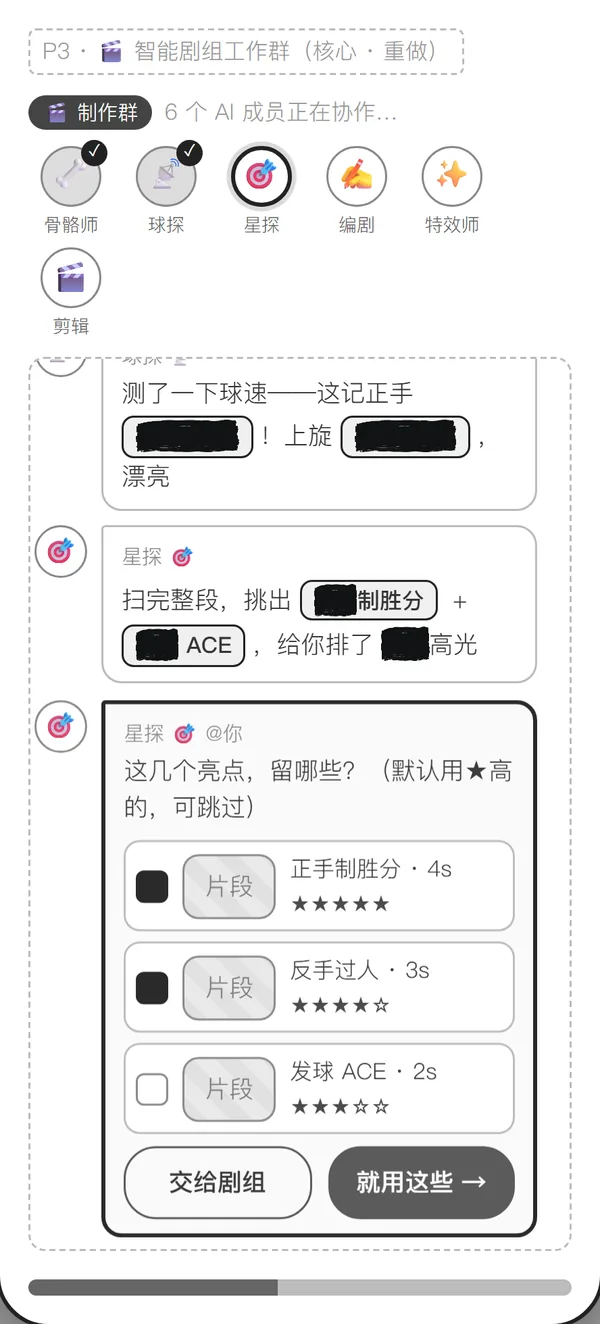
Turn 2 · interviews four core signals, S1, S2, S4 and S5, set up step-by-step ways in
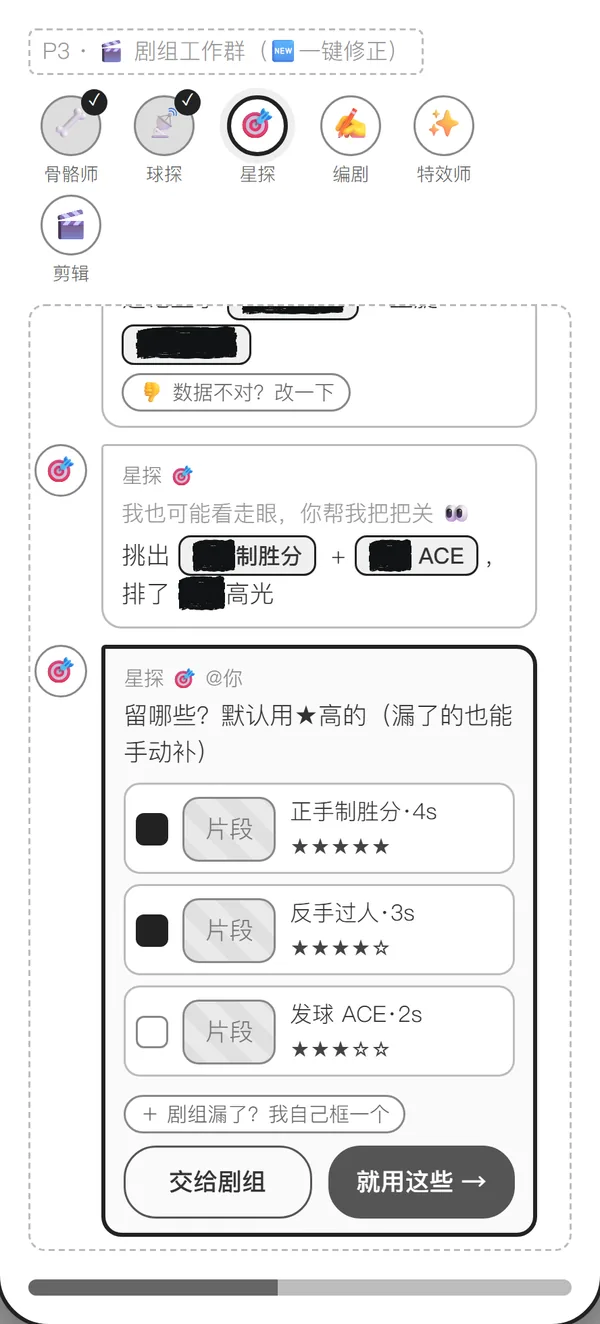
Turn 3 · two evaluations 24 cognitive-walkthrough sessions and a usability test with 12 tennis players
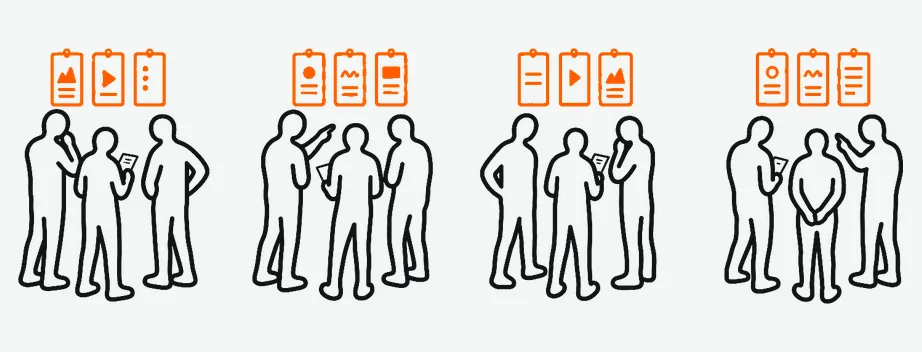
12 peers, classmates and teammates, in four groups; each group walked through as one persona. Twice: 24 sessions.

12 amateur players used the hi-fi prototype and thought aloud.
“Find every point where the interaction feels off, not prove the design is right.” From our test plan. We logged breakdown points, mis-taps, how long tasks took, and frustration.
Buttons of equal weight, too many of them: people hesitated
→ one main action per screen, on a single orange button
In every earlier prototype, the style you picked barely showed in the film
→ rebuilt so the choice reaches the render; otherwise the tool takes the story again, as in theme 2
Coach advice was generic: “nice shot, smooth out the follow-through”
→ each answer tagged “based on your match” or “general advice”
We didn’t record which test found which. Neither test was controlled, and no tester used their own footage or had to decide whether to post.
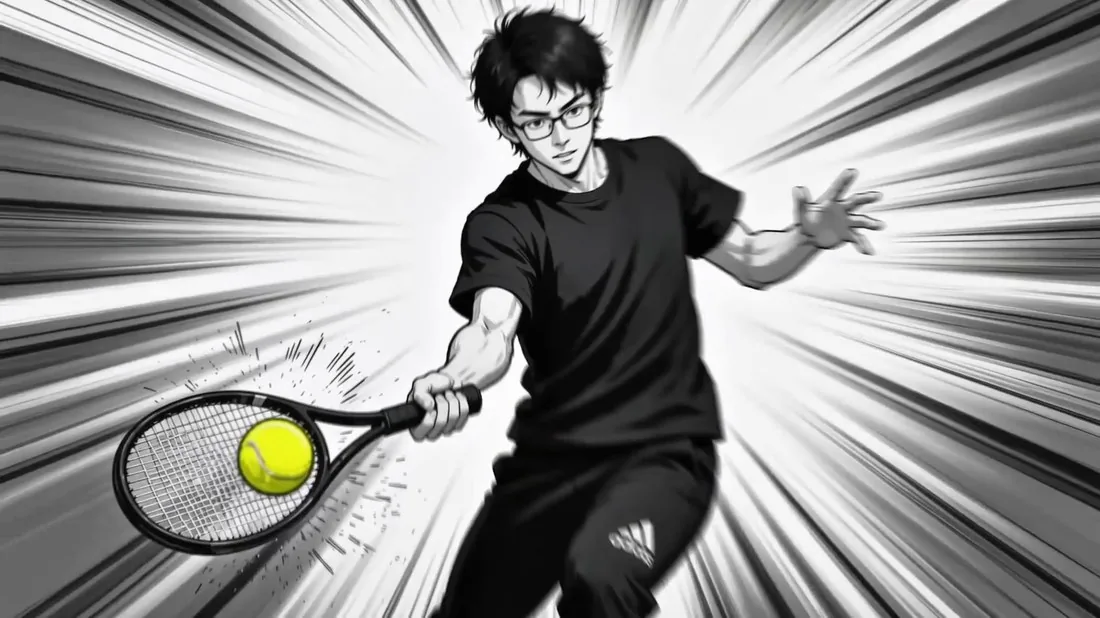
01 athletic character 0:32
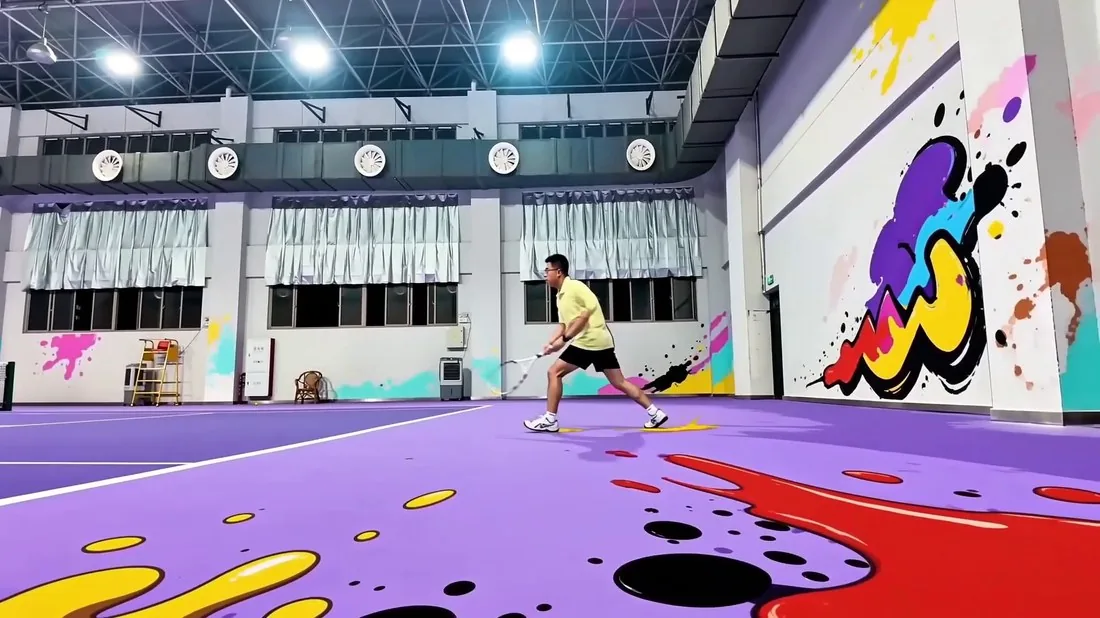
02 hot-blooded 0:45
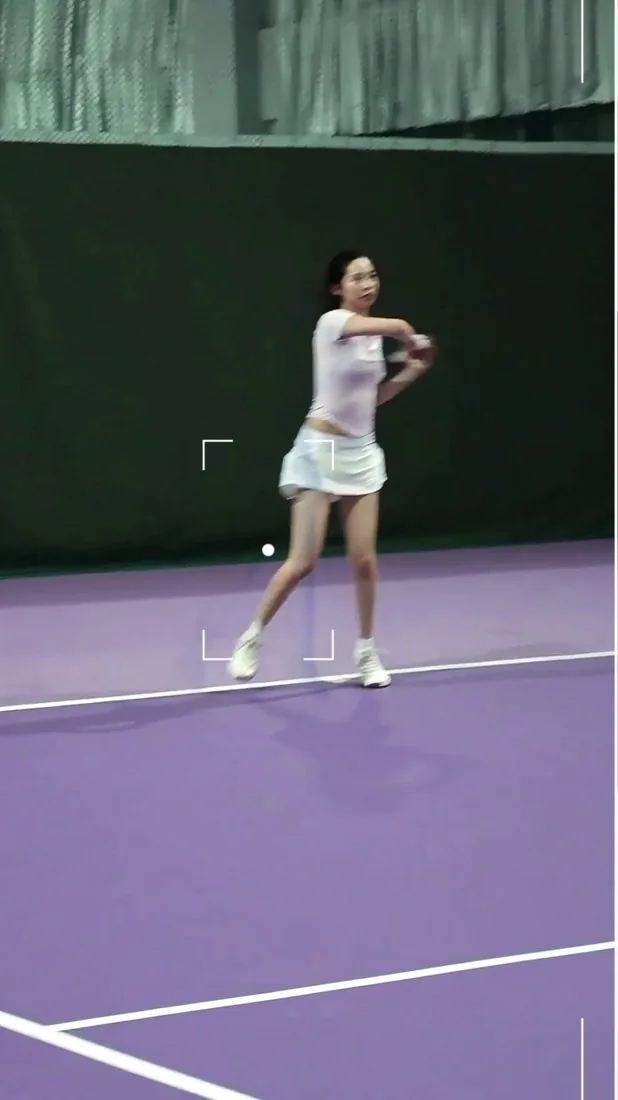
03 cinematic 1:33
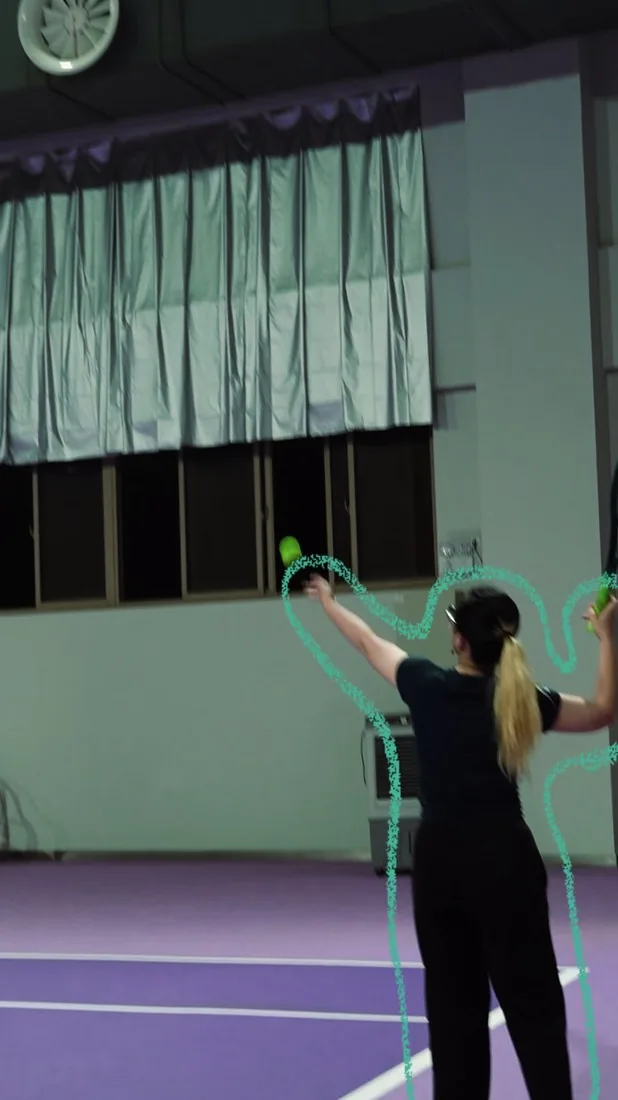
04 home screen 1:00
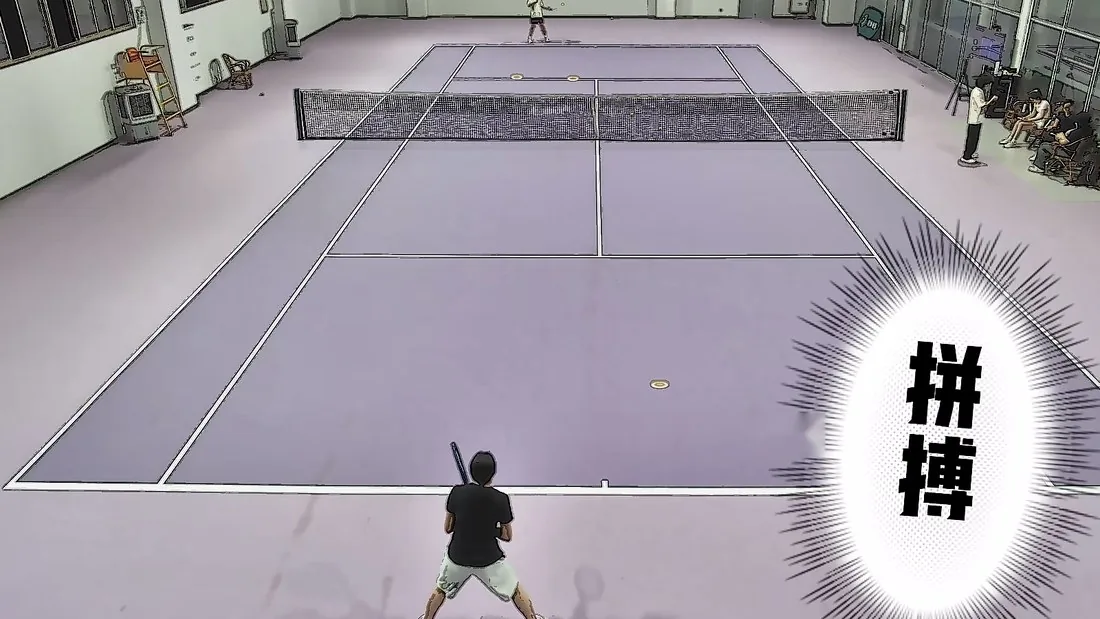
05 playful 0:48
4fewer steps to a finished film, by the team’s count
The five finished films, mostly straight out of the pipeline; the stand played all five.
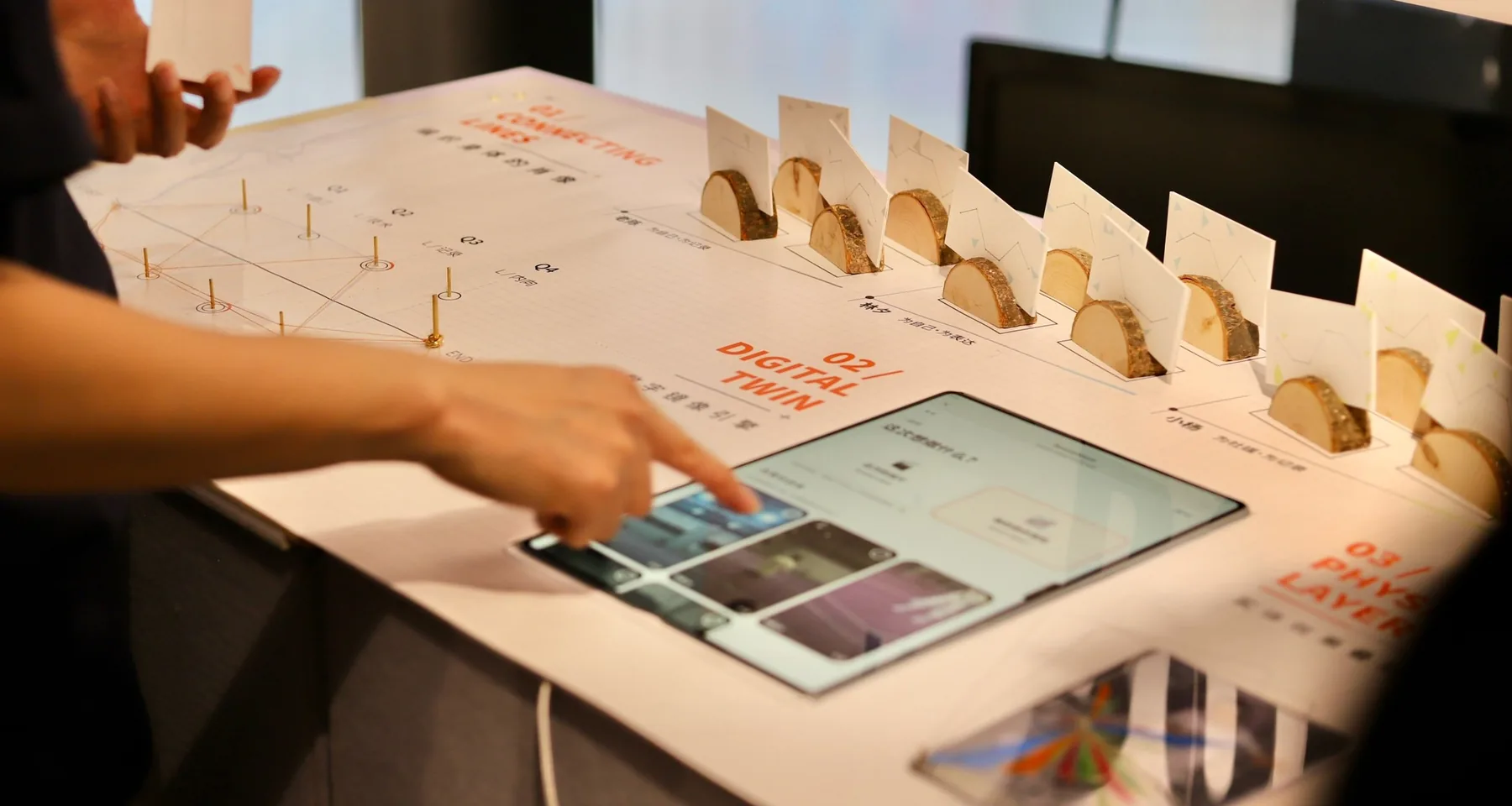
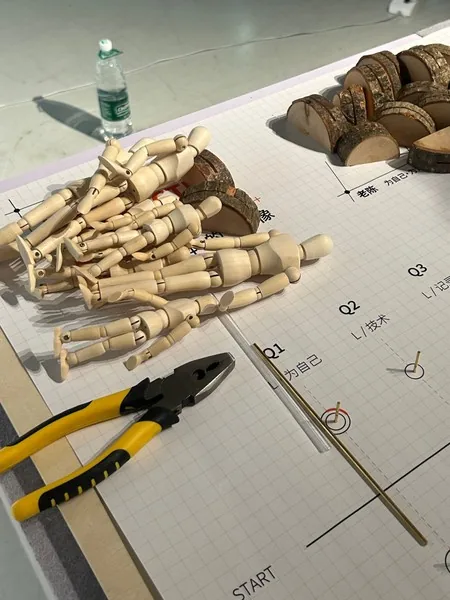
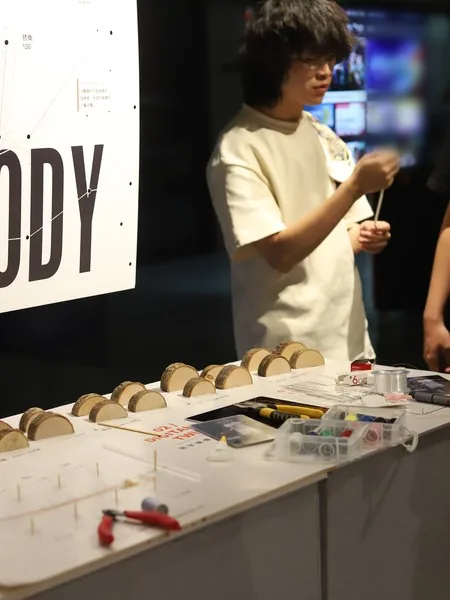
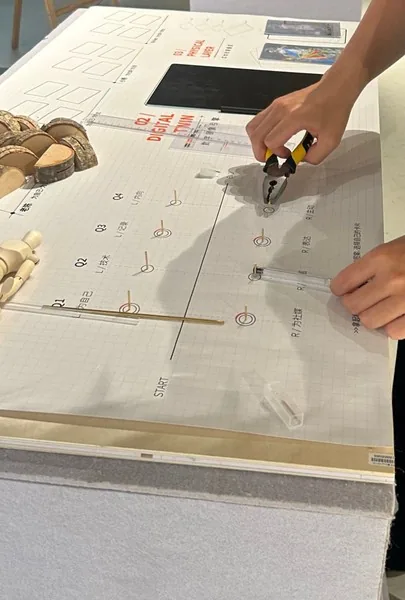
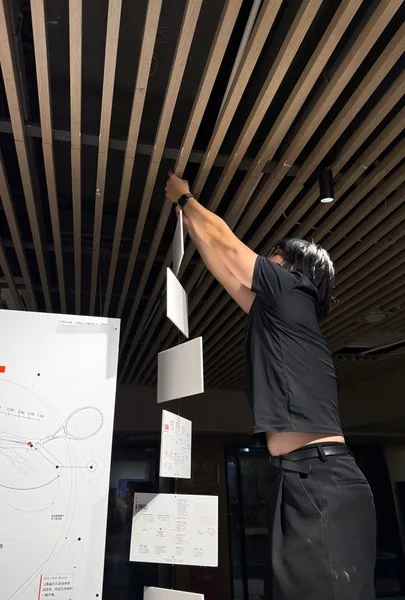
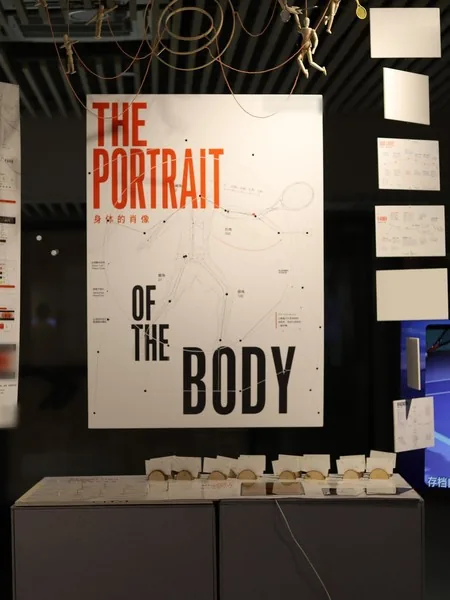
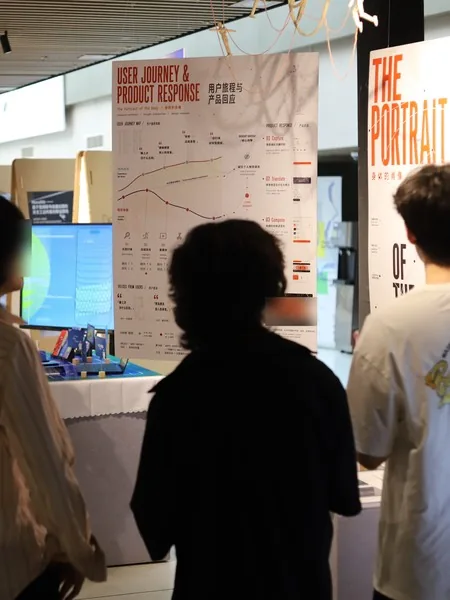
Alibaba and Q LAB, Tongji University, gave the project the Best Creation Award, and Alibaba handed the related product to Orange Lion Sports, its sports company, to develop further.

Best Creation Award
Information Visualization 2026 · Alibaba × Q LAB, Tongji University
Vivian P04 · expression type
Before posted some on public feeds
After posted quite a few videos with style and effects; their social media grew richer
Lao Chen P01 · record type
Before shared on WeChat Moments now and then
After began to send finished films to tennis friends, but still isn’t keen to post on the open web
Lin Xi P02 · review type
Before posted on Xiaohongshu, then took it down
After found the simple scripts and edits handy; it saved much of the time spent working out how to post
Before: where their footage went, in act 01. After: phone calls once the project’s full output was done, in our words.
At first we set out to make a tool that turns out flashy highlights in one tap. The interviews turned that around: amateur players don’t need a filter that shows off for them; they want control over what goes into the film.
The tests bore this out. Every choice a player ticks has to really change the render underneath; interaction that stays on the surface only weakens their trust.
In the follow-up calls, Lao Chen had started sending films to tennis friends but still kept them off public platforms. It made us see that the wish to share comes in degrees of privacy, from reviewing alone to a circle of people you know to public social media, and that a tool should respect where each person draws that line.
After the project, a redesign answers break 03: light interactions and positive feedback within a circle of fellow players. It also gives TennisAtom its mark, an atom; the three exits are its states.
Parts of the code, the vision pipeline among them, were written with AI coding assistants, and AI assisted the data analysis. The five films were rendered with generative video tools, and the drawings on this page were made with an image model.
Exhibition photographs with venue marks and visitors' faces blurred. The prototype's scripted numbers are covered on every screen. The drawings were made for the portfolio with an image model; the atom mark and its states are the project's own.